Your home or project, before the first sketch.
Chatty guides you through a questionnaire, conversationally — voice, text or images. When you finish, your architect receives a clear dossier of the project you want.
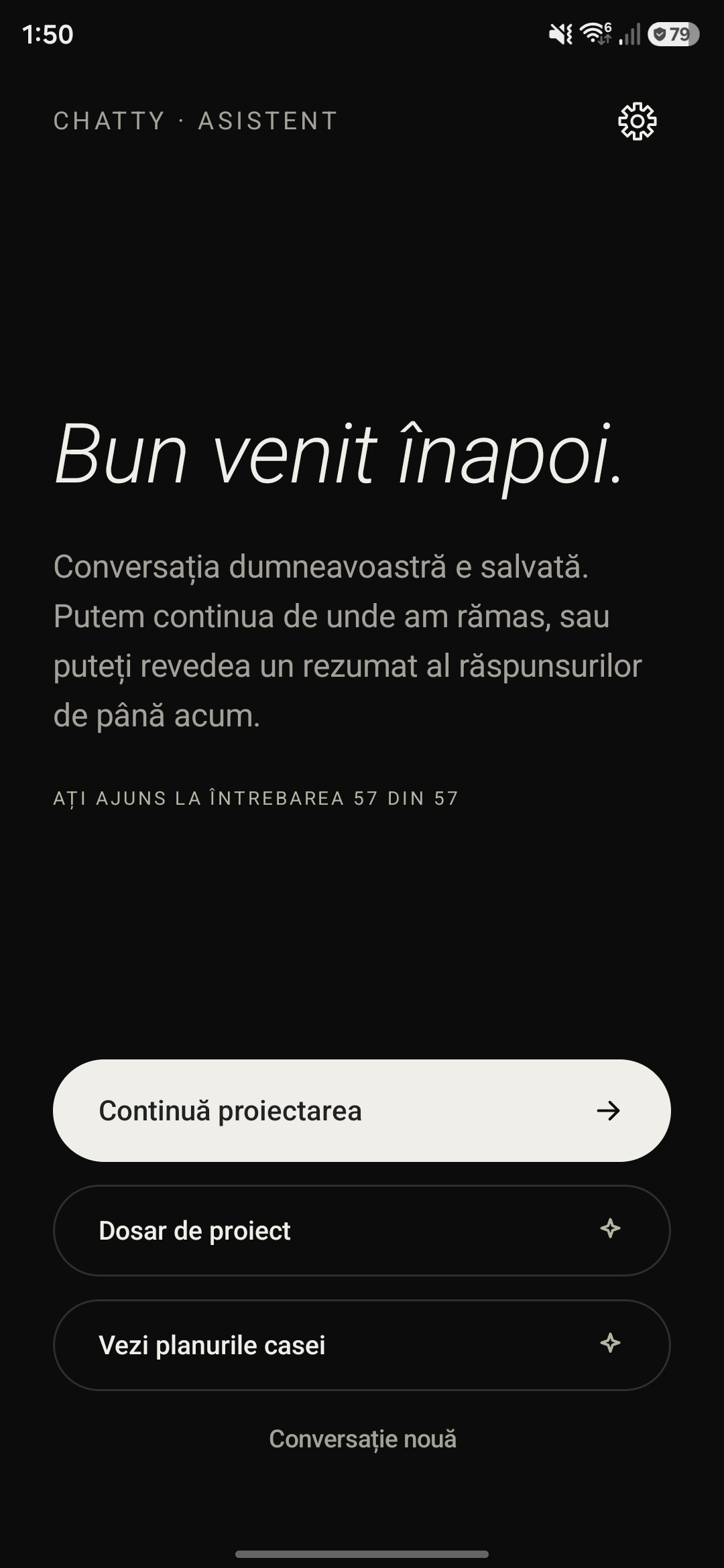
Nothing is set in stone yet. Stop whenever you like — your answers are saved.
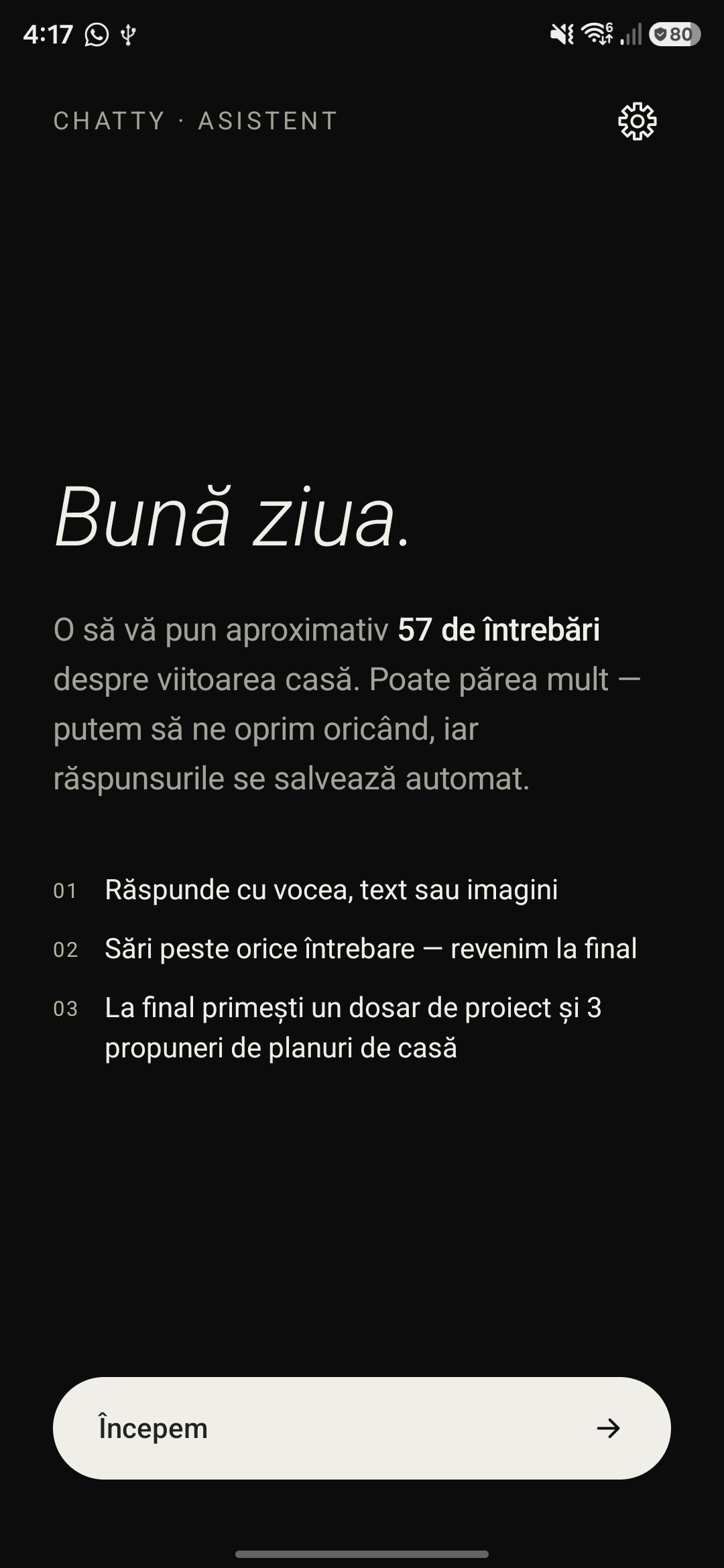
Three steps to a project dossier.
Answer however suits you
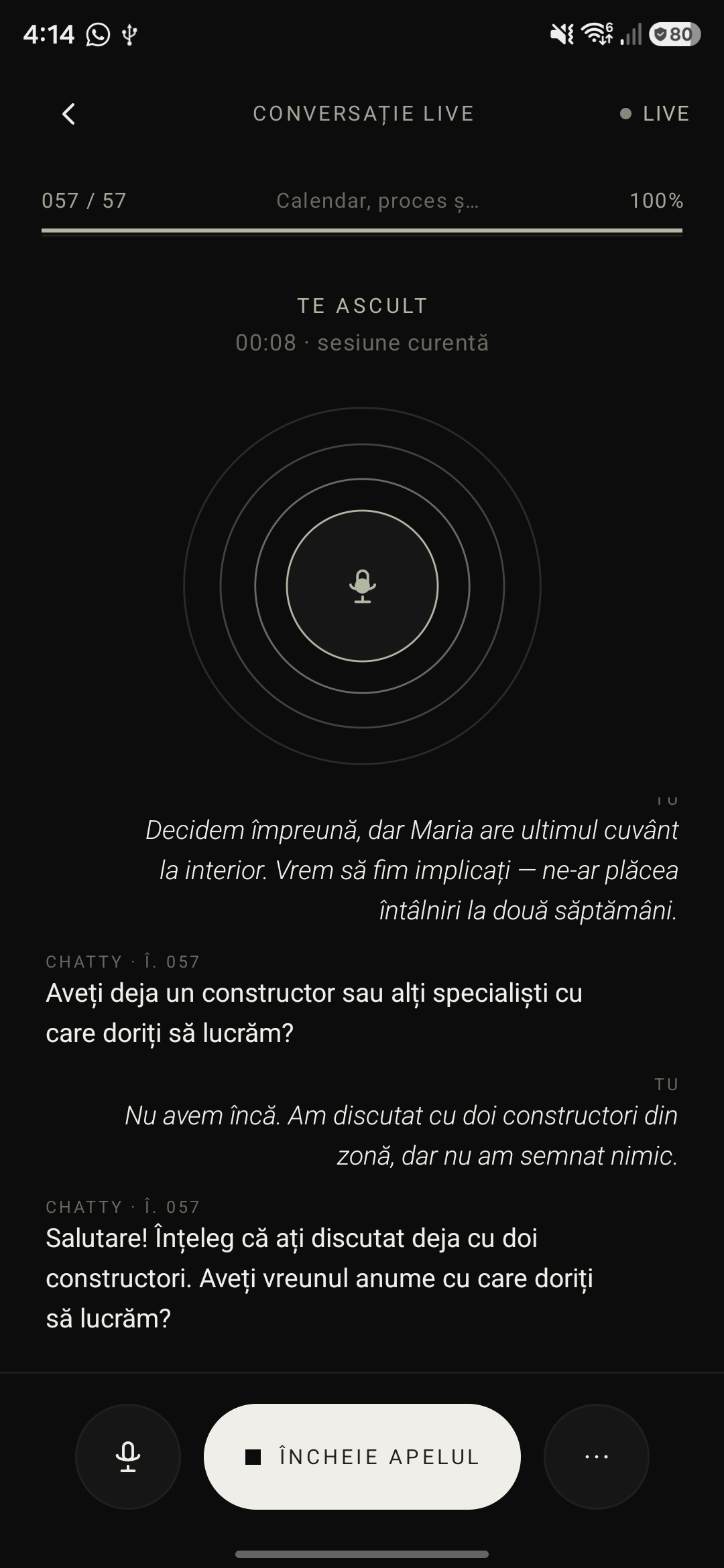
Speak, type or attach a photo. Chatty listens and asks follow-ups, at your pace.
Skip what you don’t know yet
No answer? Skip it. Chatty comes back at the end, and the progress bar always shows where you are.
Get a clear dossier
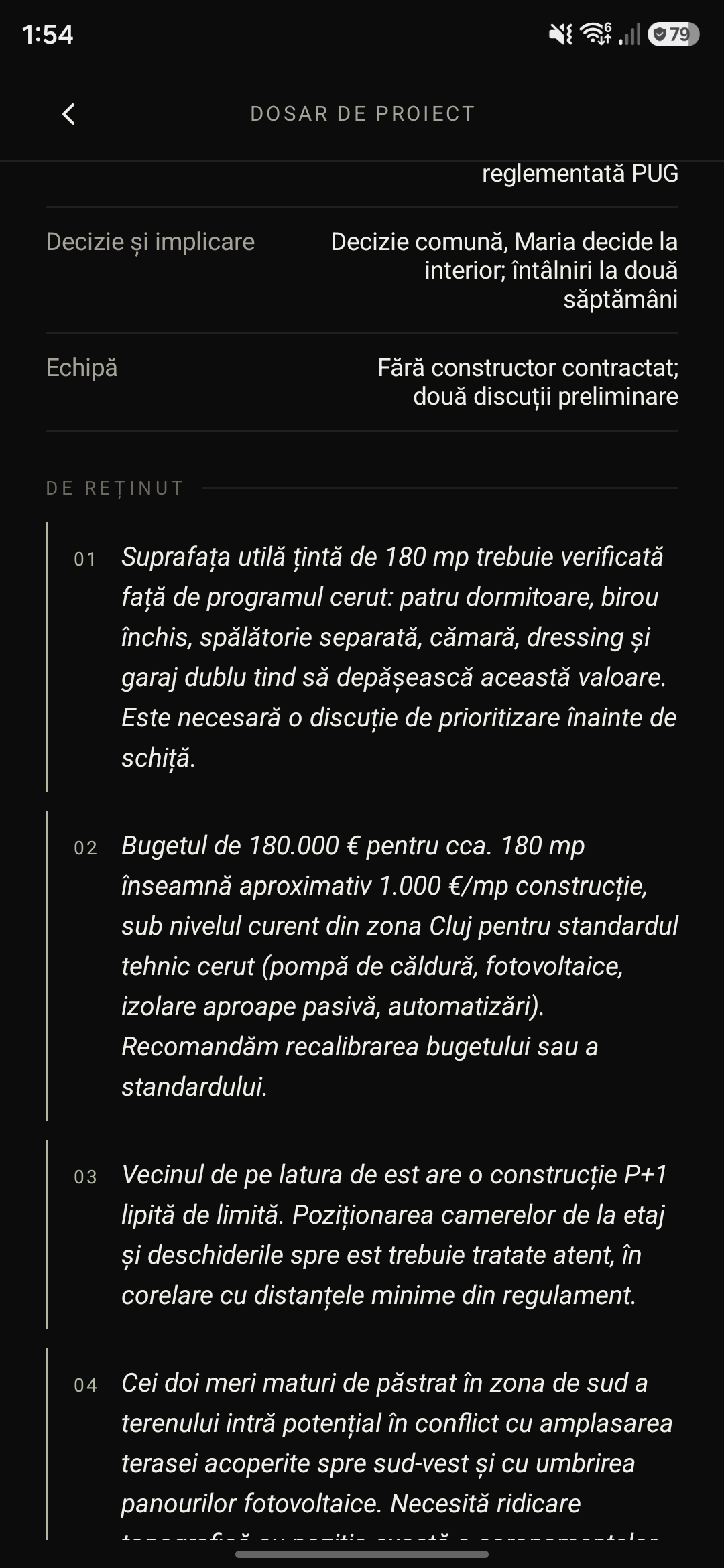
At the end, everything you said becomes a structured summary — in brief, by chapter, with what to keep in mind — ready to send to your architect.
Describe your home in your own words.
You don’t need architecture terms. Chatty turns “quiet, warm, easy to understand” into a brief the team can build from.
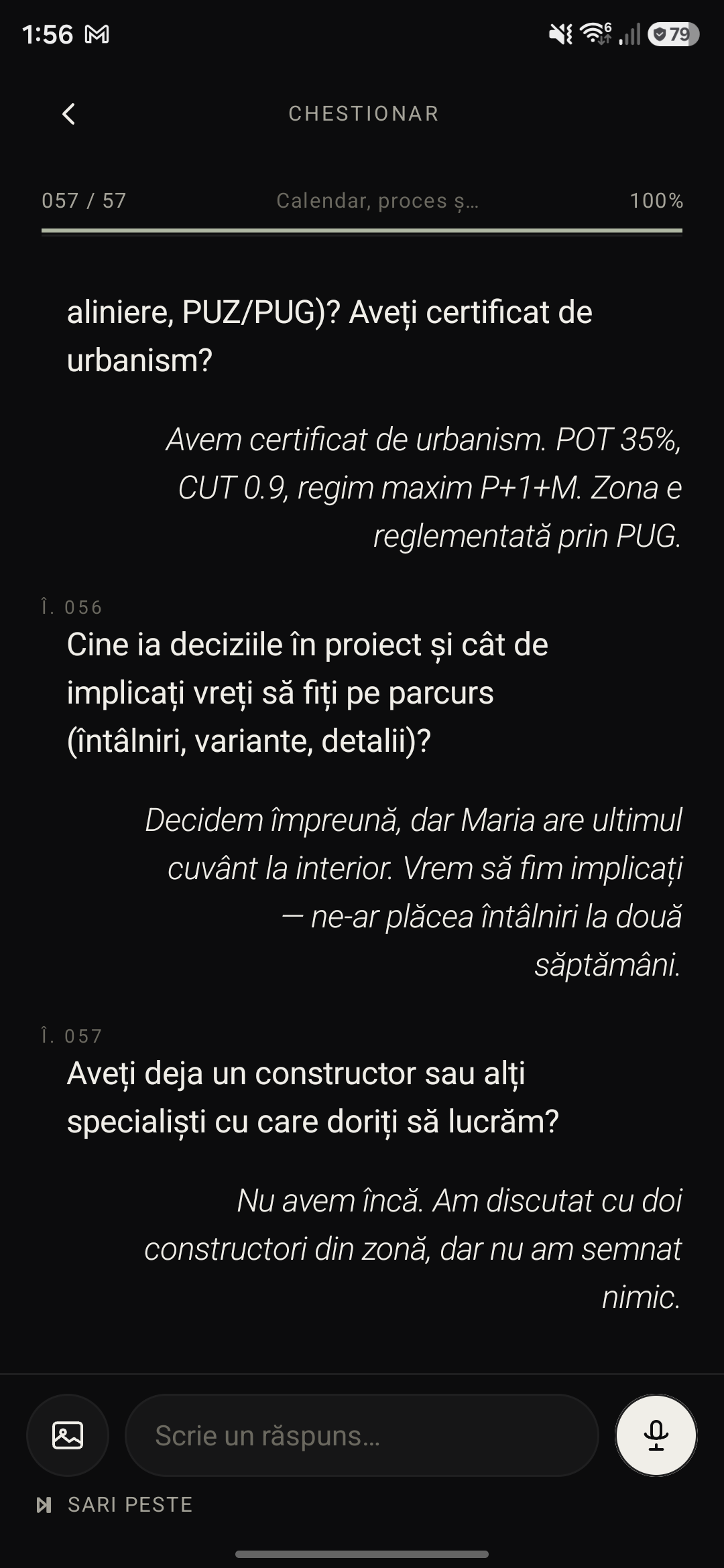
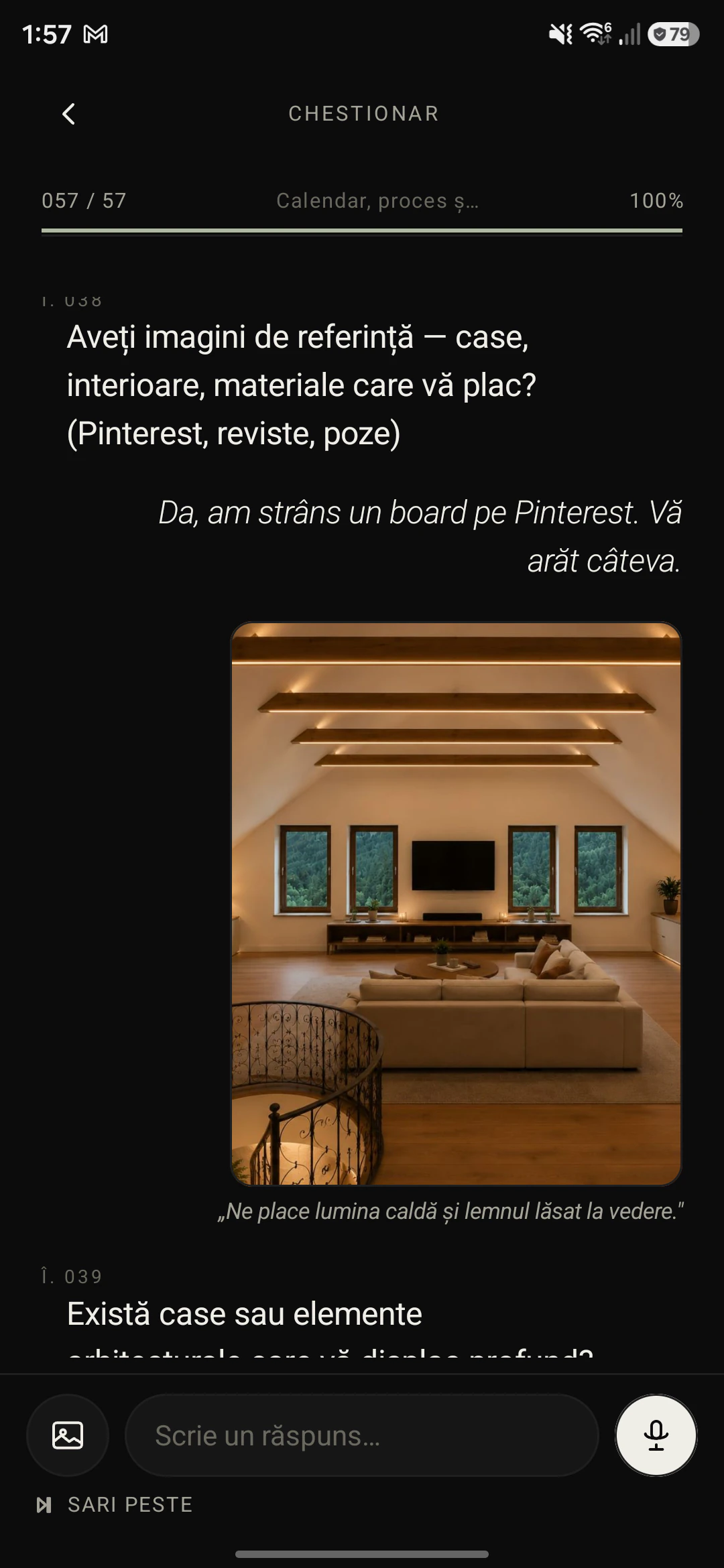
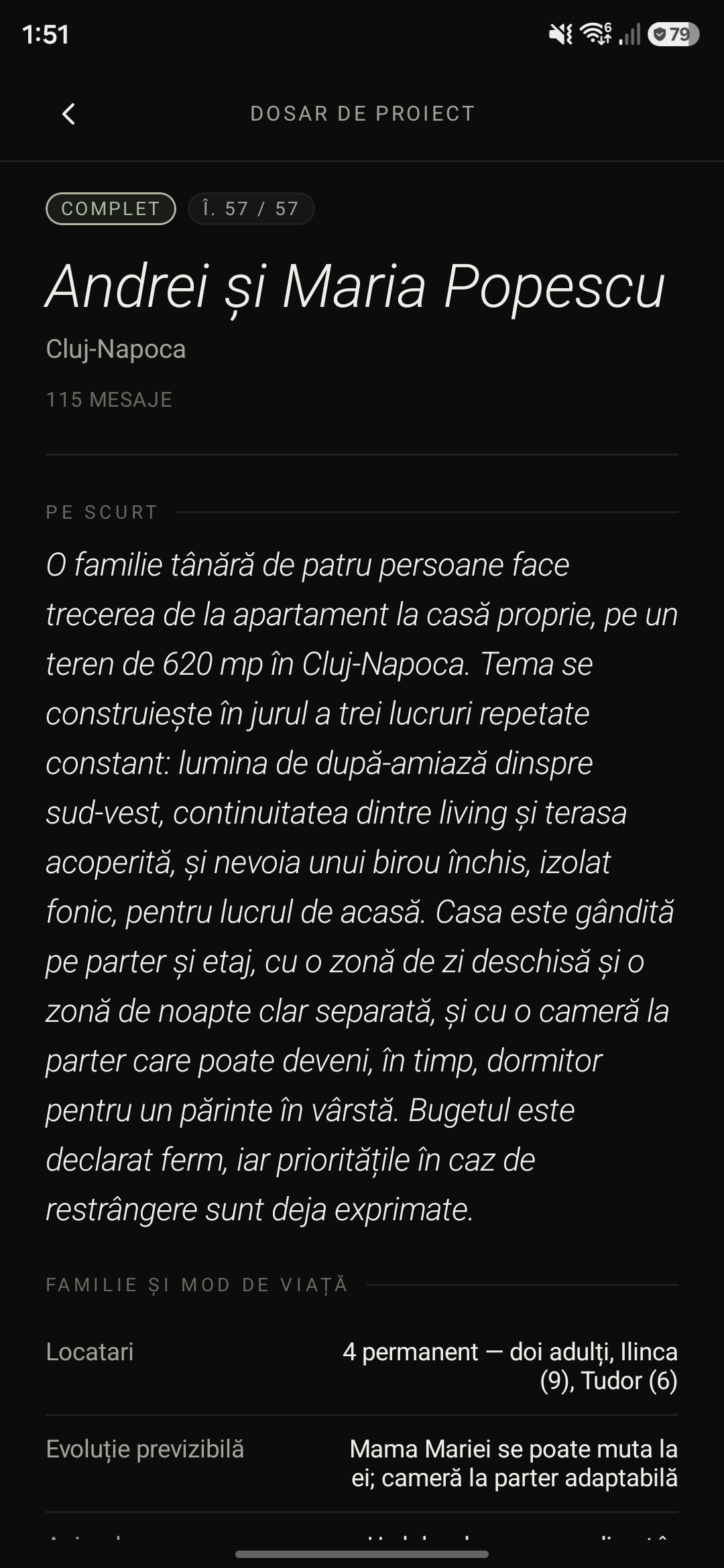
Hear everything, miss nothing.
See every client dossier in one place. Ask the agent about any conversation — it answers, citing the source questions.
Three proposals, sketched from your answers.
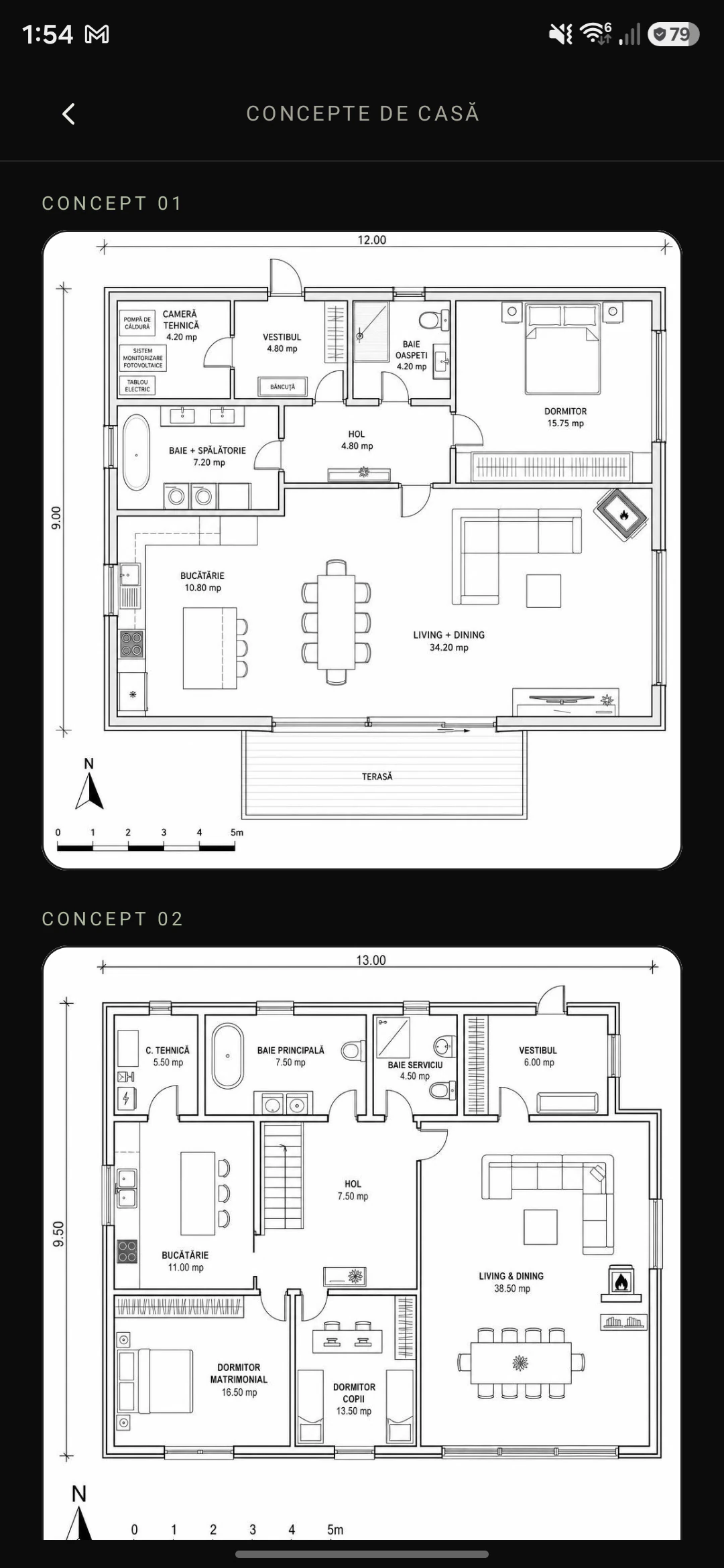
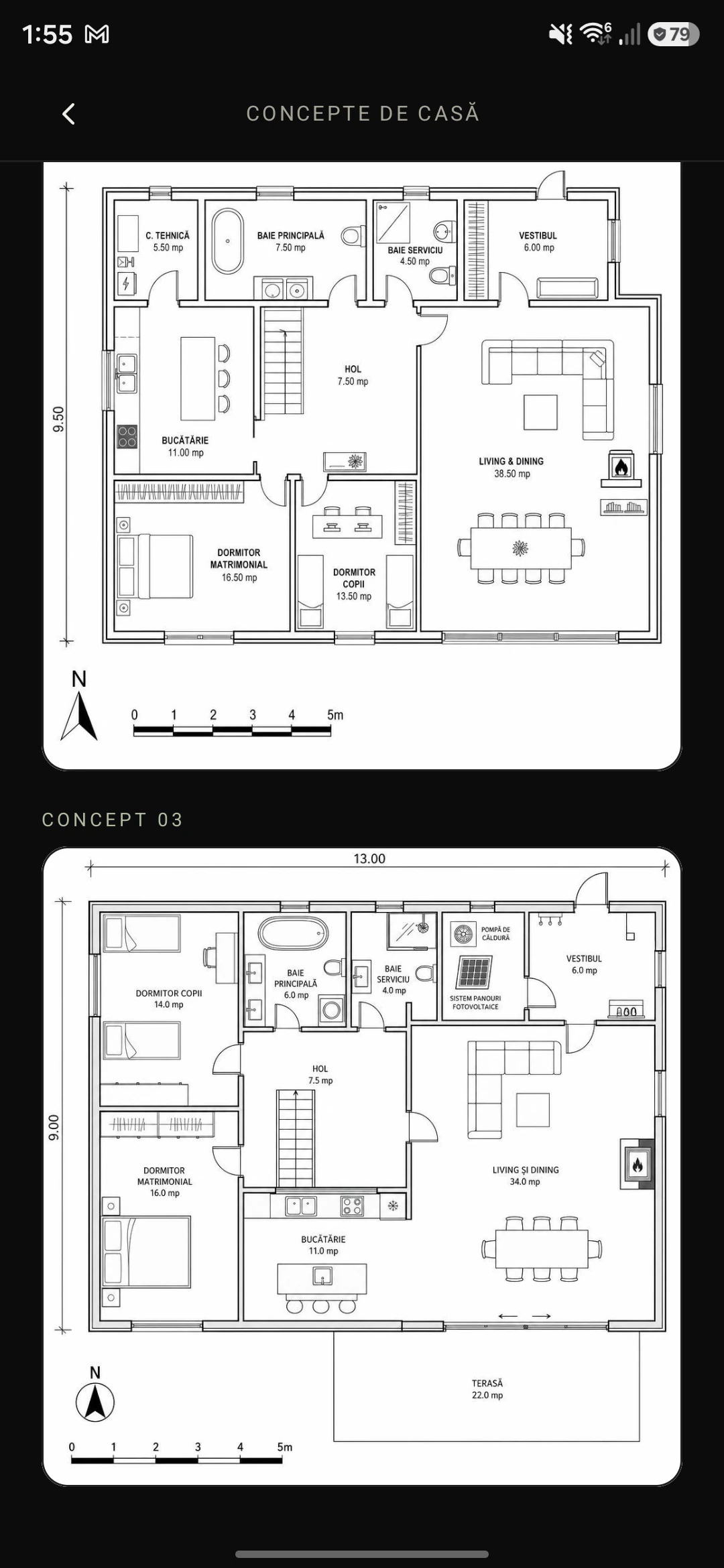
When the questionnaire ends, Chatty draws three layout options from the dossier. They don’t replace the design — they start the conversation with your architect.
The same screens, in light or dark.
Chatty follows the phone’s theme. Switch below to see both.
Frequently asked questions.
What is a design brief, and why does it matter?
A design brief describes what you want from your home: who lives there, how many rooms you need, what an ordinary day looks like, the plot, the budget and what comes first. It is where every architect starts. Chatty helps you put it into words through conversation, with no technical terms.
What does the architect receive at the end?
A structured project dossier: a short summary, chapters on the family, the plot, the spaces and the budget, and a list of points worth noting — a floor area that outgrows the budget, for example. The architect can ask the agent about any answer, and the dossier exports to PDF.
Do I need to know anything about architecture to answer?
No. You answer in your own words — by voice, text or a photo — and Chatty asks follow-up questions where they help. If you don’t know an answer yet, skip it; Chatty comes back to it at the end.
Do the generated house plans replace the design?
No. When the questionnaire ends, Chatty sketches three layout options, with room areas and orientation. They are a starting point for the conversation with your architect, not a technical design.
Which phones does Chatty Architect run on?
The app is available for Android, on Google Play. You can answer in Romanian or English and switch language at any time.
What happens to my data?
Your answers are used to put together the dossier for your architect. The details are in the privacy policy, and you can delete your account and data at any time.
“A contemporary cabin in the forest — quiet, warm, full of light.”
Ready to begin?
The first conversation takes about as long as a coffee. Chatty remembers the rest.